How to Run a Shared Family Calendar That Everyone Actually Uses

Many families do not fail at planning because they lack a calendar. They fail because they have three or four calendars that never agree with each other. One lives on the fridge, one is in a parent's phone, one is in a school app, and nobody has looked at all of them at the same time.
A shared family calendar only works if it is the one place everyone checks before they say yes to anything. Here is how to set one up properly, and how to keep it that way.
Pick one calendar and mean it
The first decision is not which app to use. It is agreeing, as a household, that there will be one calendar for family life and everything else gets added to it.
That does not mean work calendars or personal appointments have to disappear. Adults can keep their own diaries for work meetings. But anything that affects the household, school pick-up, a birthday party, a dentist appointment, a football match, needs to land on the shared calendar too.
If you currently have entries scattered across a wall planner, a school portal and someone's memory, pick one evening to move everything across. It often takes just an evening, and it stops the slow leak of missed events that happens when information lives in different places.
Get buy-in before you get organised
A shared calendar with only one contributor is just a to-do list with extra steps. Before you build anything, have a quick conversation with everyone old enough to take part. Agree that if it is not on the calendar, it does not count as planned. This one rule can change behaviour more than any amount of colour coding.
Colour or owner tagging that actually helps
Colour coding is only useful if it answers a question at a glance. The two most useful questions are usually:
- Whose event is this?
- What kind of event is this?
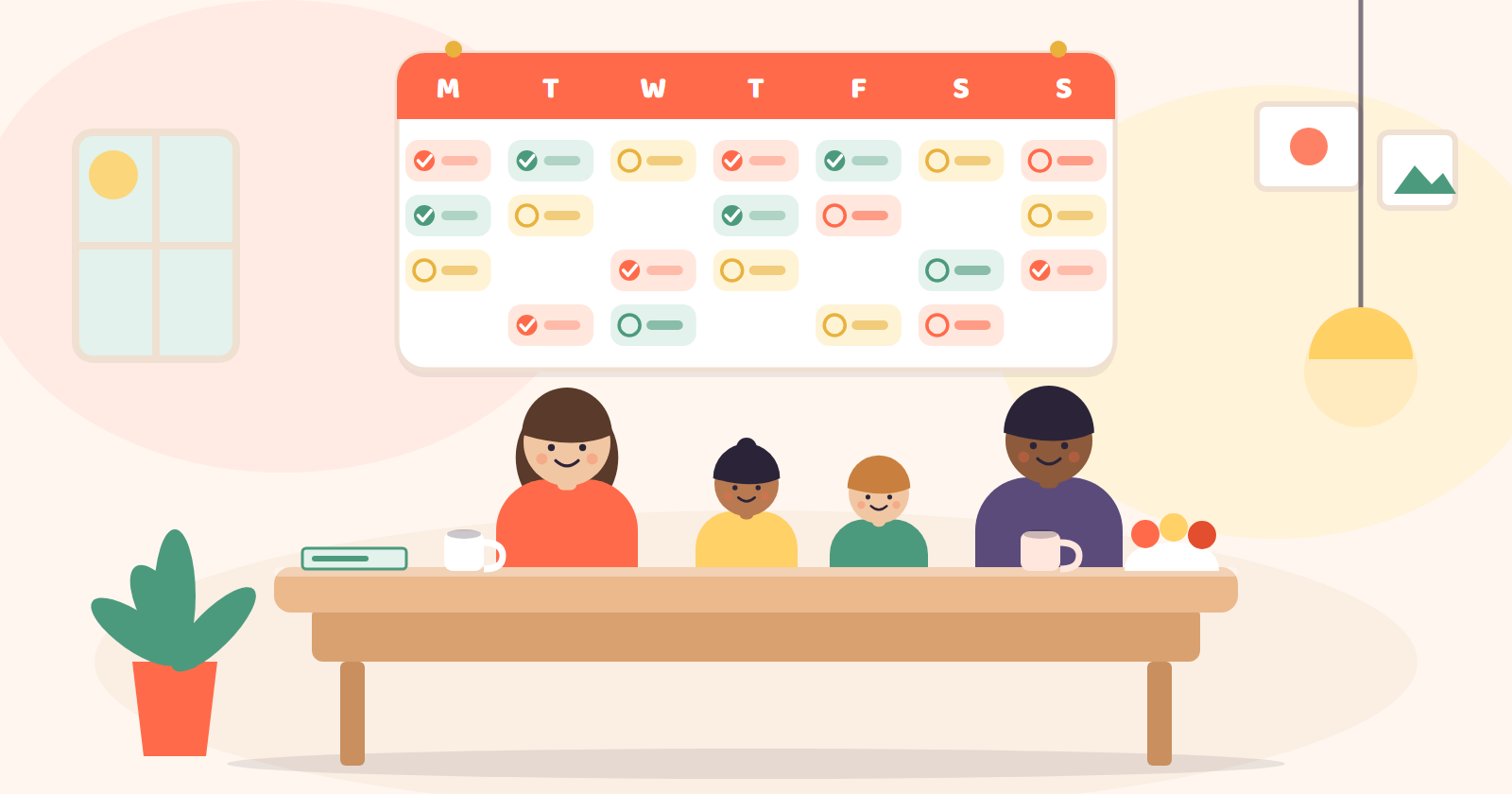
Pick one of those, not both, or the calendar turns into a rainbow nobody can read quickly. A common approach is one colour per family member, so a glance at the week shows who is busy when. Another option is one colour per category, such as school, clubs, medical and social, which works well if your household has a lot of shared events rather than personal ones.
Whichever you choose, write the rule down somewhere everyone can see it, such as a note on the fridge or a message in your household chat. New colour schemes only stick if people do not have to guess.
School terms, clubs and the double-booking trap
School term dates, half-term breaks and inset days vary between councils and even between schools in the same area, so always check the specific dates with your child's school rather than assuming they match a neighbouring school or a previous year. Once you have confirmed dates, add them to the shared calendar as soon as you get them, along with any regular clubs, after-school activities and recurring appointments.
Recurring commitments are where calendars quietly go wrong. A weekly swimming lesson or a regular clinic appointment is easy to add once and then forget, until it clashes with something else booked weeks later. A few habits help:
- Where your calendar allows repeating entries, use them rather than typing each one in by hand, so they are already there when someone tries to book over them. If it does not, add a whole term's worth of dates in one sitting.
- When a new invitation or activity comes up, check the calendar before replying, not after.
- If two people in the household can book things independently, agree that anything involving more than one person gets added the same day it is confirmed, not "later."
Double-booking usually happens because someone said yes verbally and did not write it down straight away. The fix is not a smarter system, it is a shared habit of writing things down immediately, in front of whoever asked.
The weekly look-ahead
A calendar you only check when something goes wrong is not doing its job. The single most useful habit is a short weekly look-ahead, ideally on the same day each week, where whoever is around checks what is coming up for the next seven days.
This does not need to be formal. Five minutes on a Sunday evening or Monday morning is enough to catch:
- Clashes that slipped through, such as two people needed in two places at once.
- Anything that needs preparation, like packed lunches for a trip or kit for a match.
- Gaps where nothing is planned, which is useful for spotting free evenings before they get swallowed by last-minute requests.
If your household includes older children, involving them in this look-ahead, even briefly, helps them understand what is happening in their own week and reduces the number of "nobody told me" moments.
How Flupy can help
Flupy's Family Calendar gives your household one shared calendar for birthdays, appointments and plans, and it can show public holidays for your country. Events can repeat every year, which suits birthdays and anniversaries; weekly commitments such as a swimming lesson are added for each date. A daily reminder email to account holders includes today's and tomorrow's events, and can be switched off. It does not replace a weekly look-ahead, but it means the check is a single place to look.
Whatever system you choose, the principle stays the same: one calendar, a simple tagging rule everyone understands, and a regular moment each week where someone actually looks at what is ahead. That combination often does more for family organisation than any number of extra apps or planners.
If you want to try running your household calendar this way, you can try Flupy free for 30 days or see the pricing.